 EZVIZ no longer supports Internet Explorer 10 or earlier versions, and the site may not behave as expected. Please upgrade to a newer browser.




 Store
Store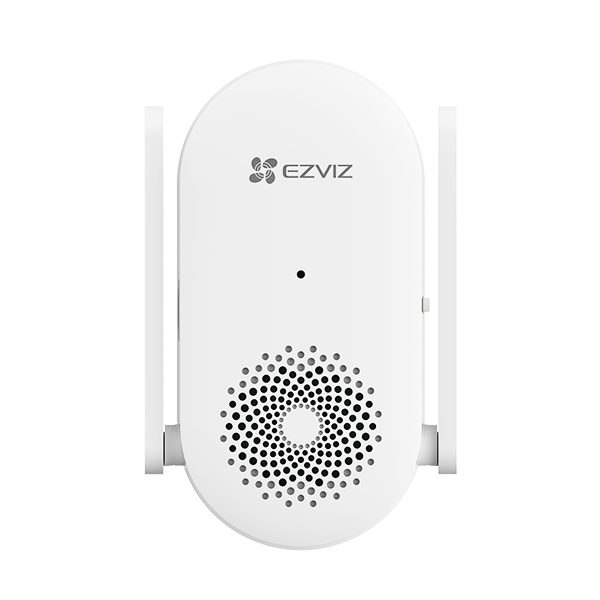

 FAQ
FAQ
 Manuals
 Datasheet

 FAQ
FAQ
 Manuals
 Datasheet
How to change the sound type for CH1 after linkage?
Please follow the steps below:
1. Tap the chime card on the Home page of the EZVIZ APP.
2. Tap the doorbell card here and select "Speaker details."
3. Tap on "Reminder sound of the speaker" to choose the preferred sound.
